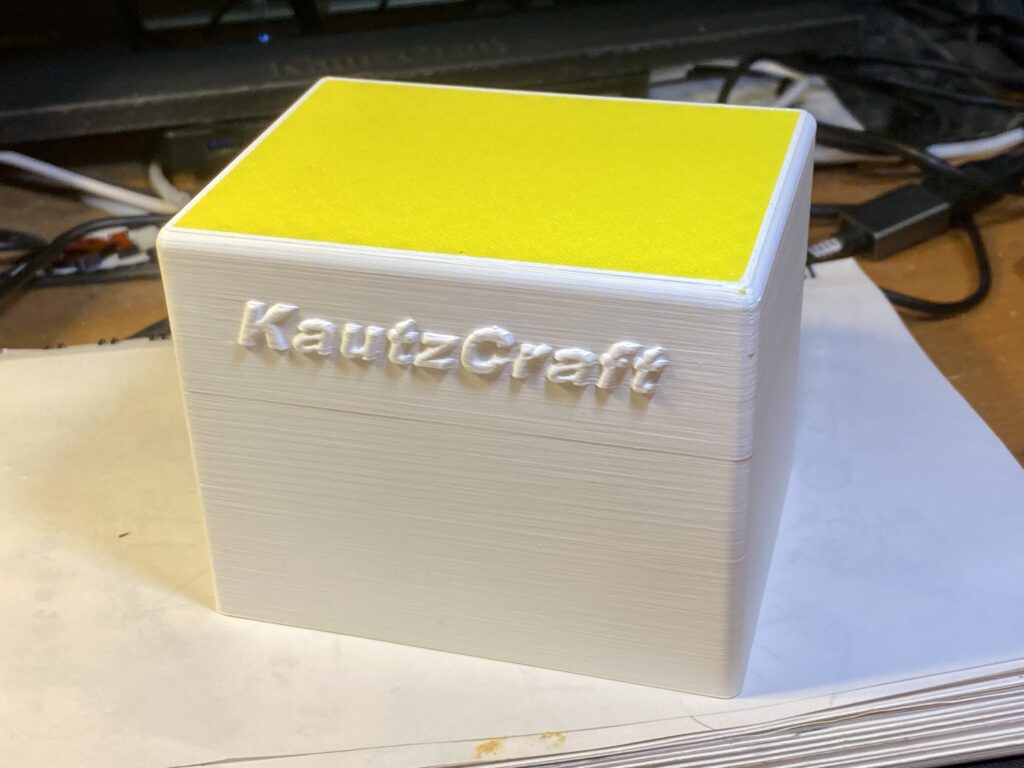
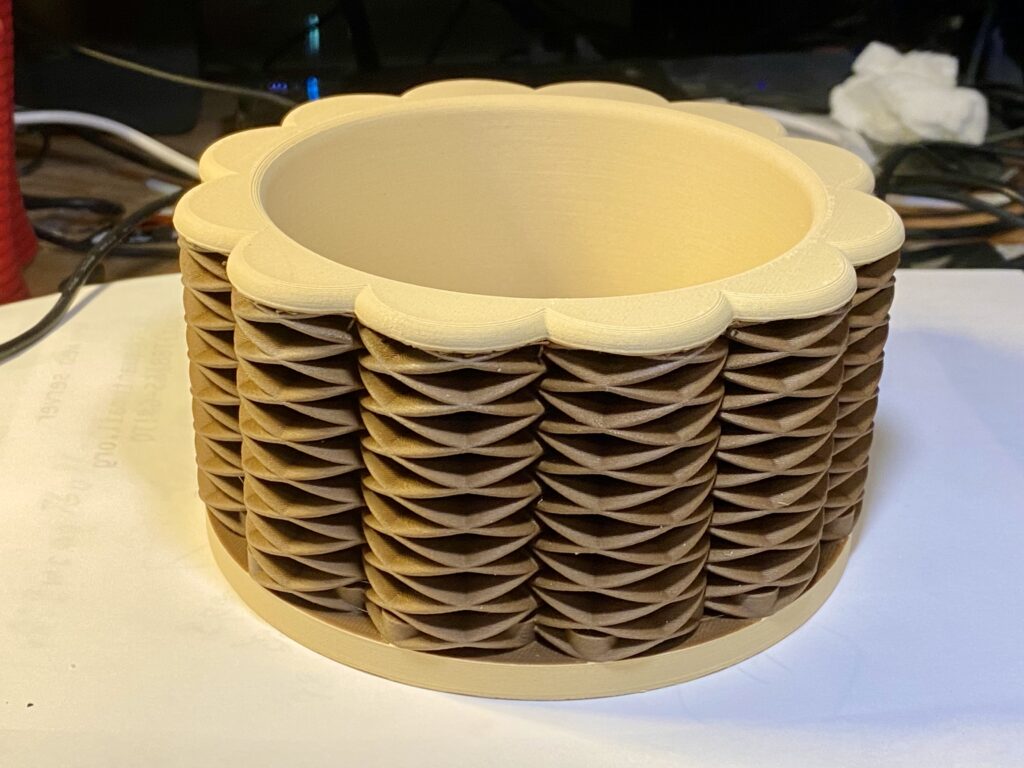
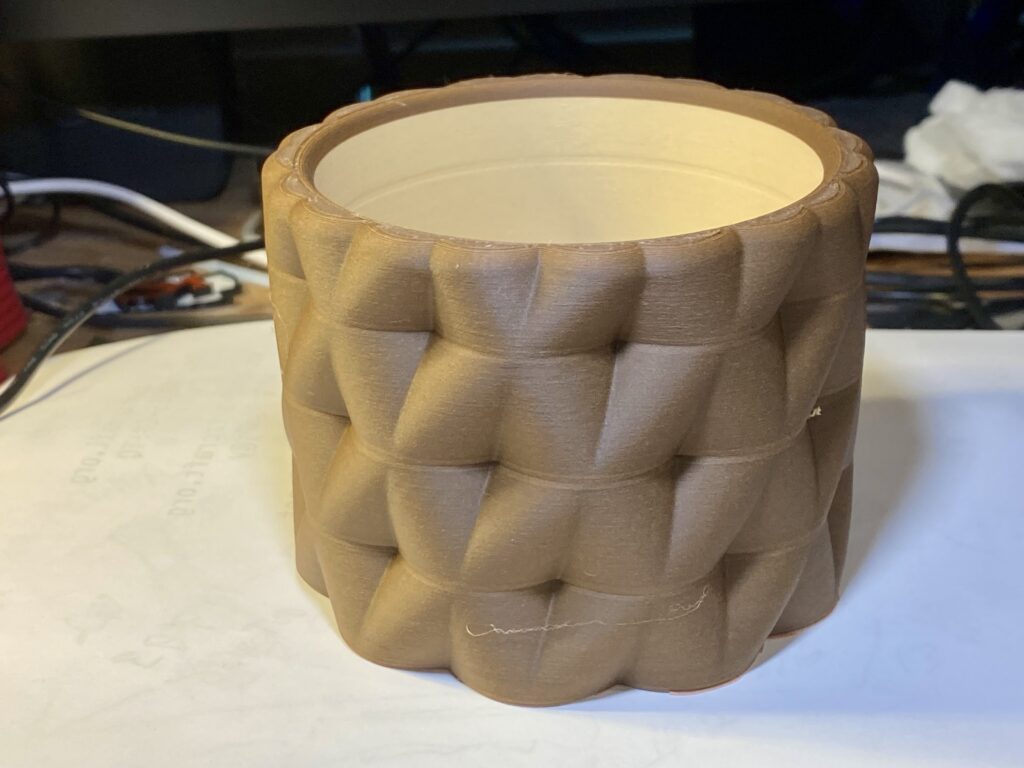
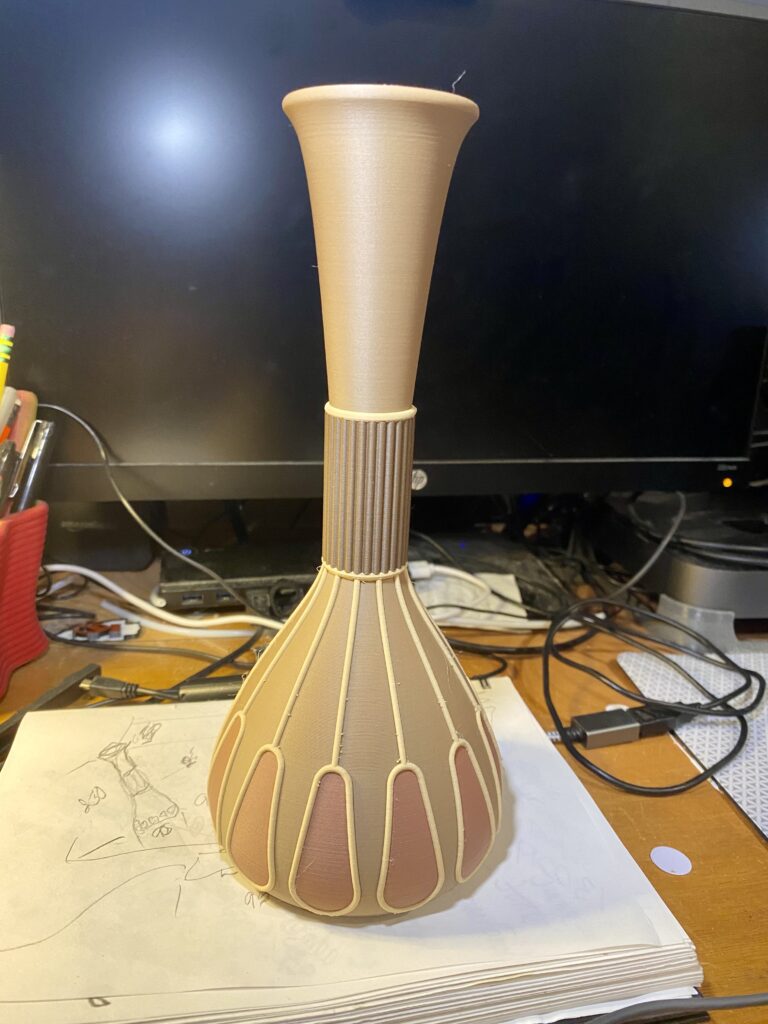
I love to experiment in my 3D prints. I design and make Junque just to push my design imagination and CAD skills as far as I can. Sometimes I have the printers doing new tricks as well.
I can also “break” FUSION and OnShape (CAD software) performance with very large Boolean calculations. Most of the time it is just a matter of waiting for the calculations to finish.
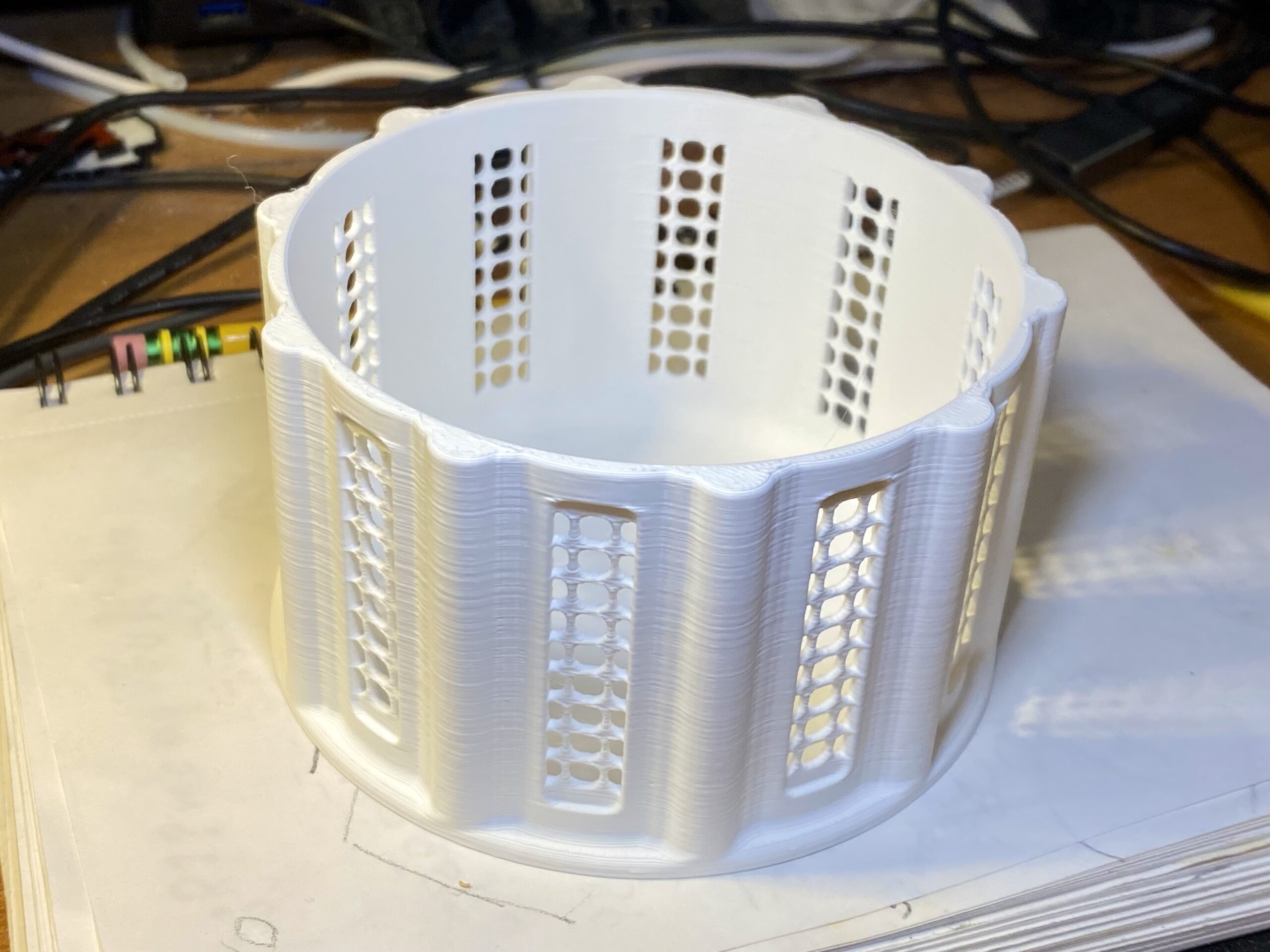
The Lead item created very intensive (long) calculations. I like how the side openings look like screening.
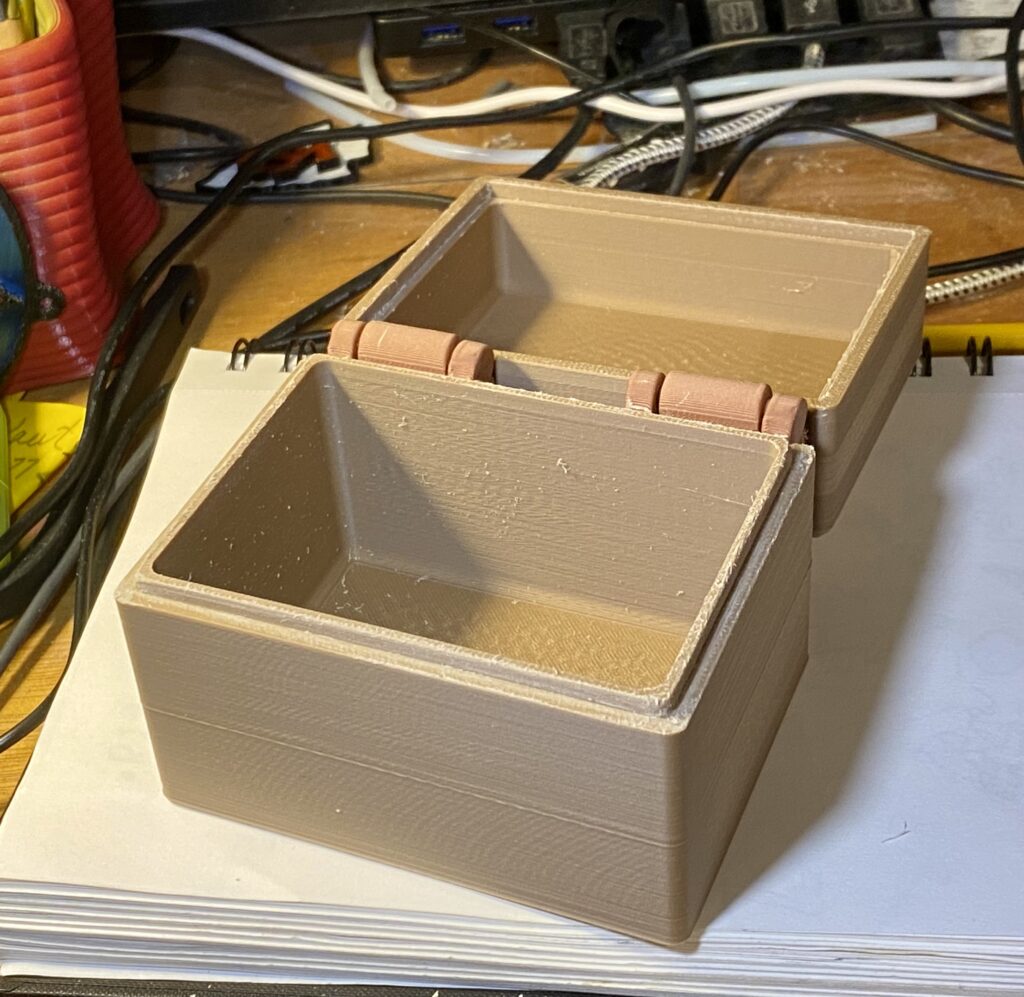
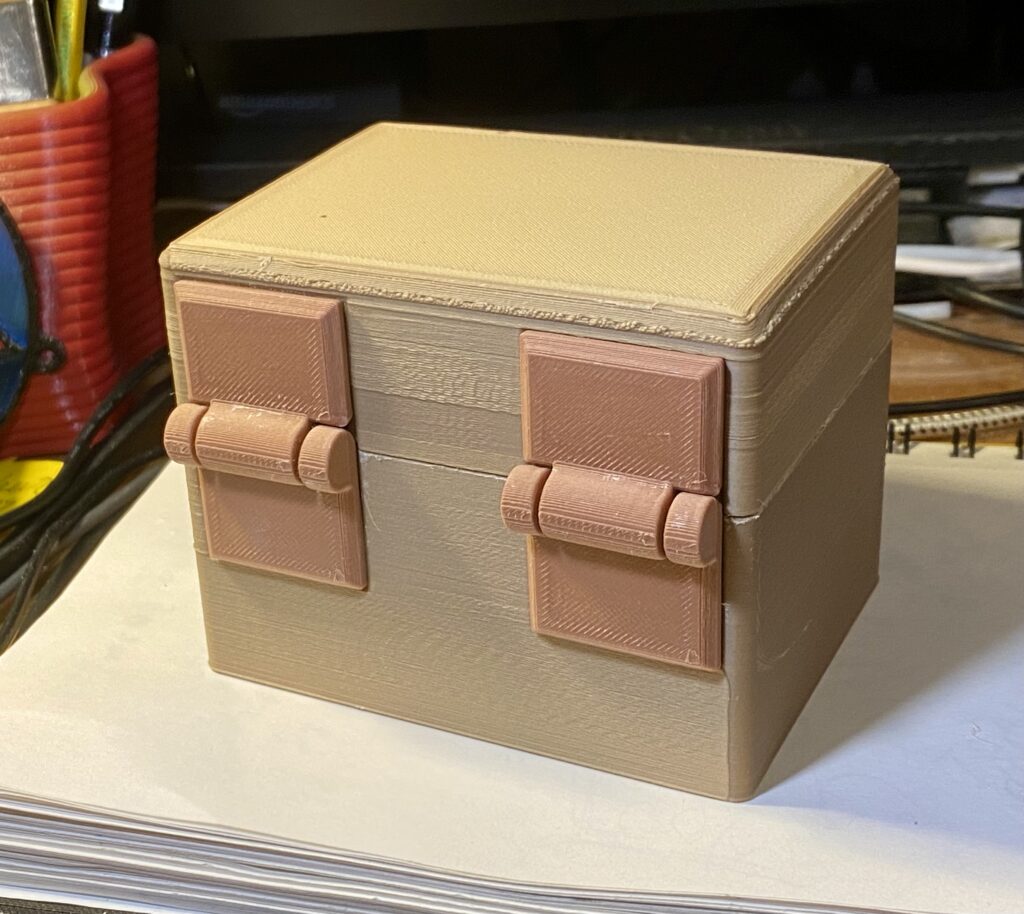
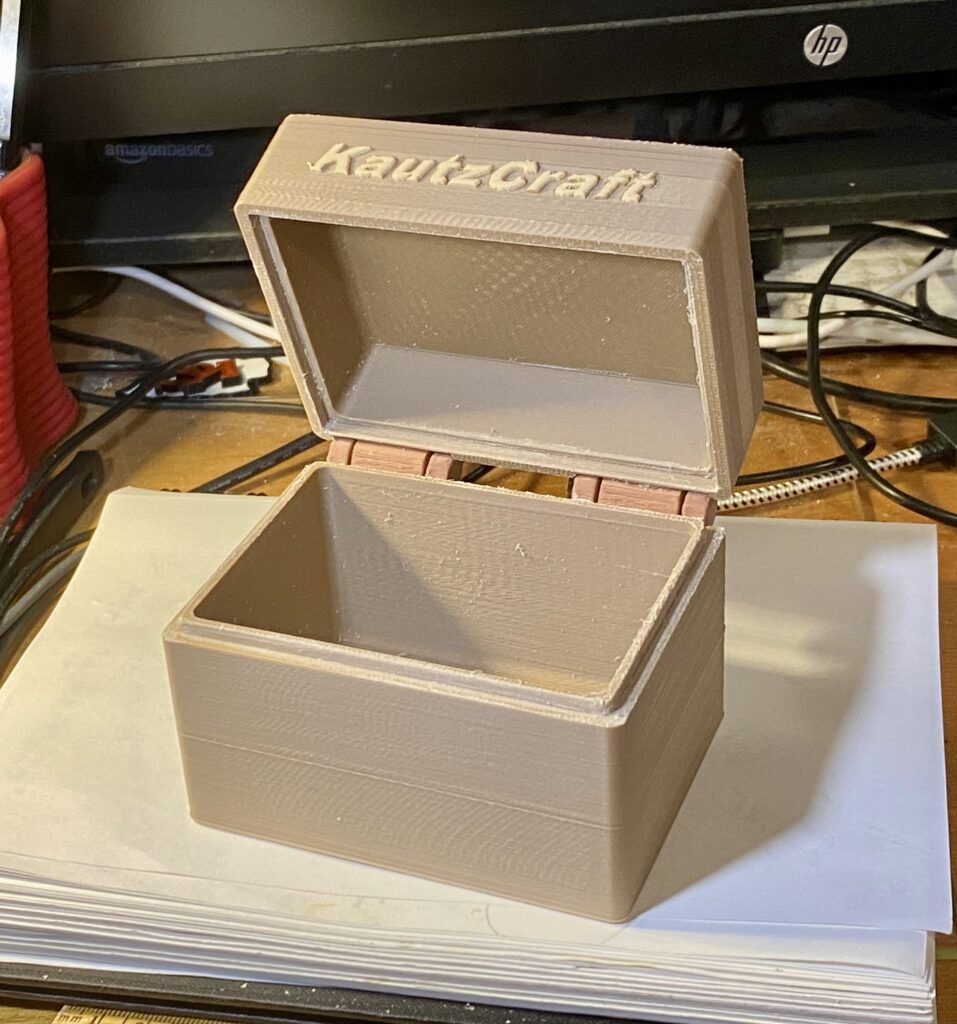
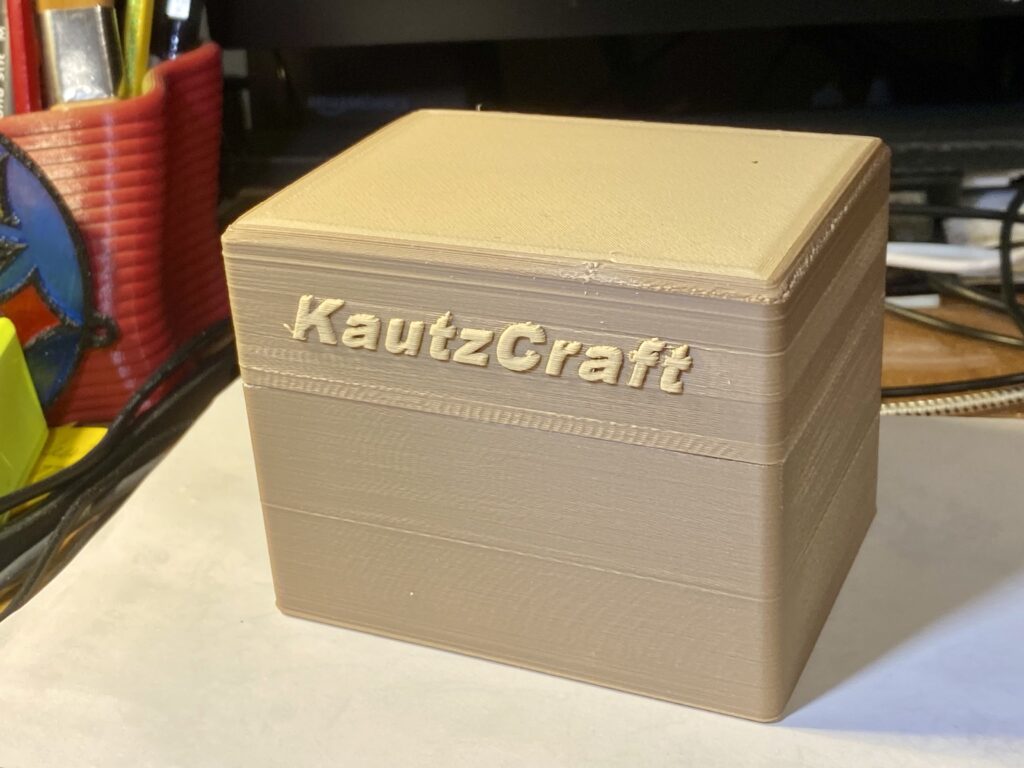
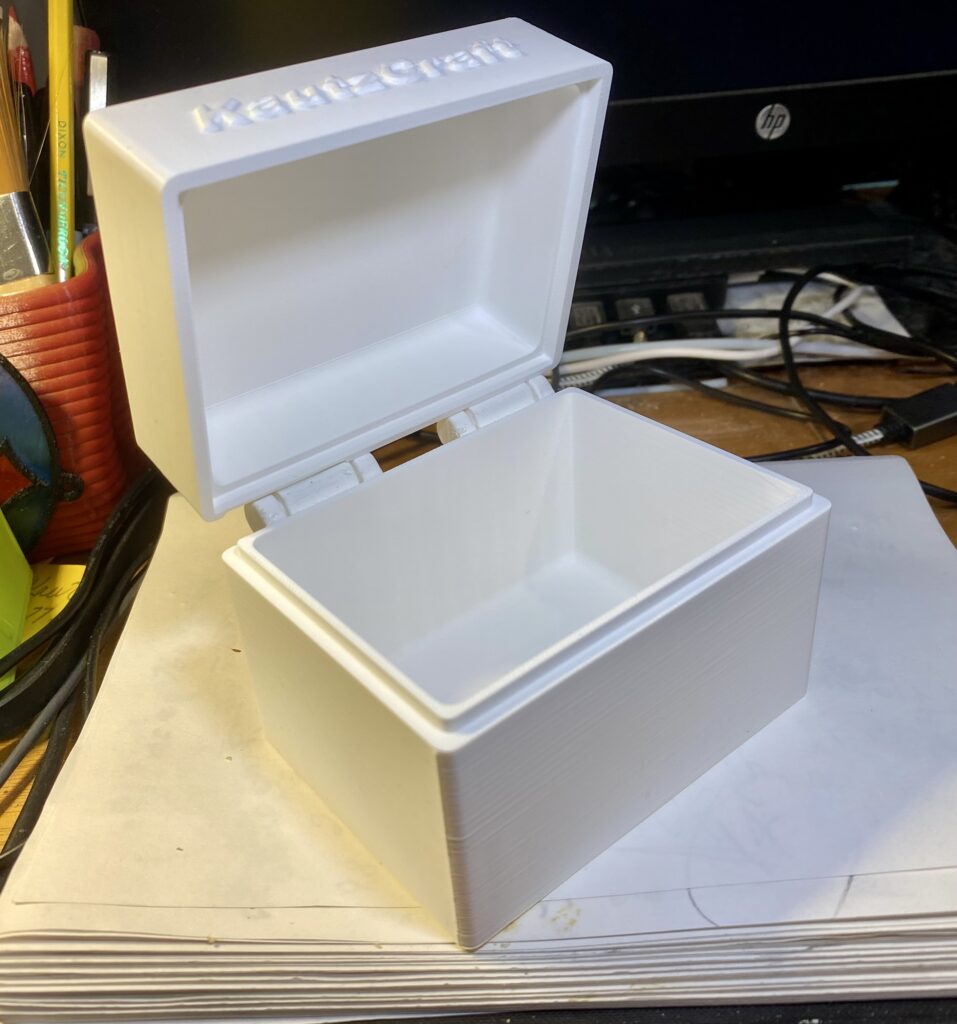
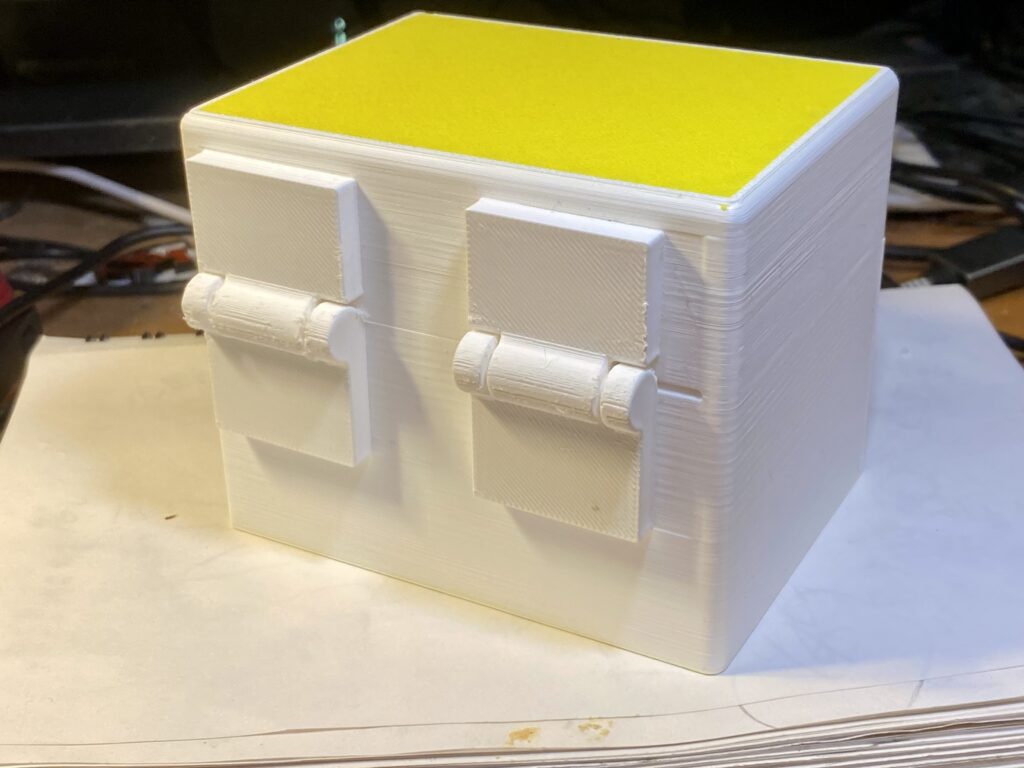
The prints below have some new ideas, like the hinges on the small boxes.
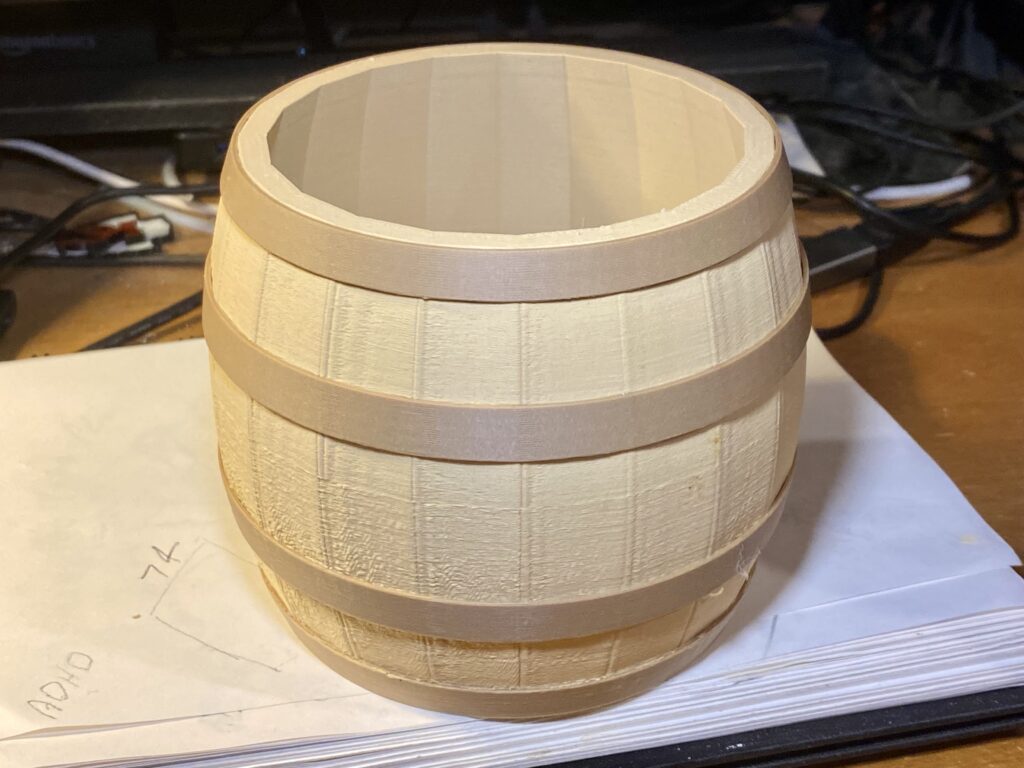
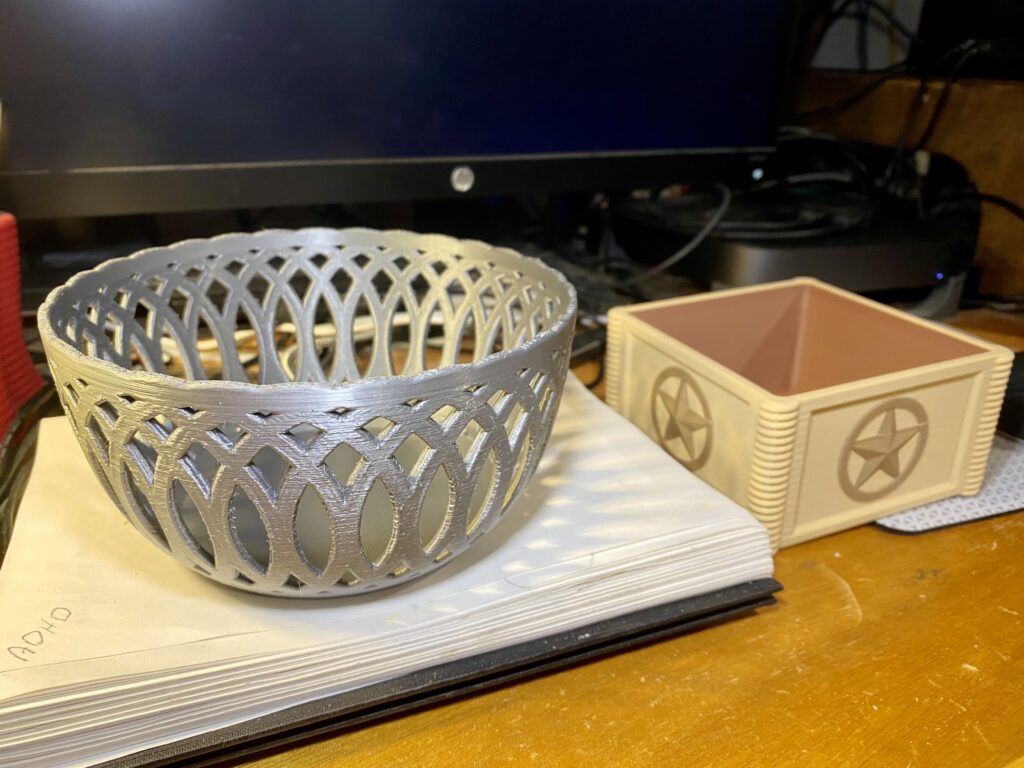
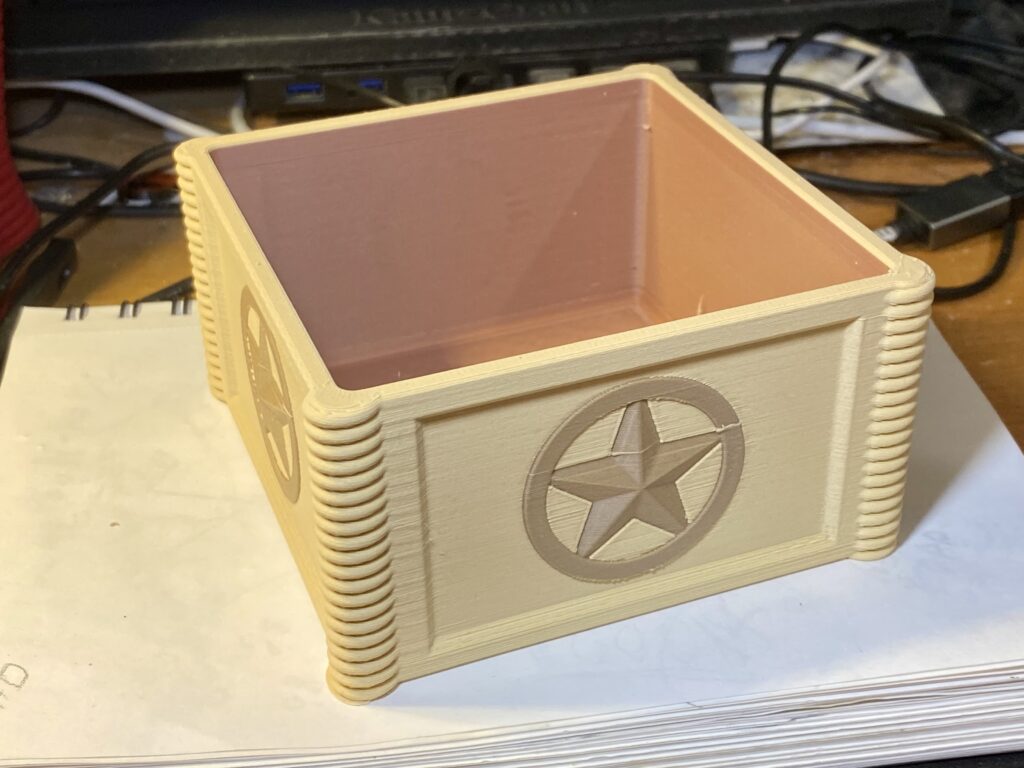
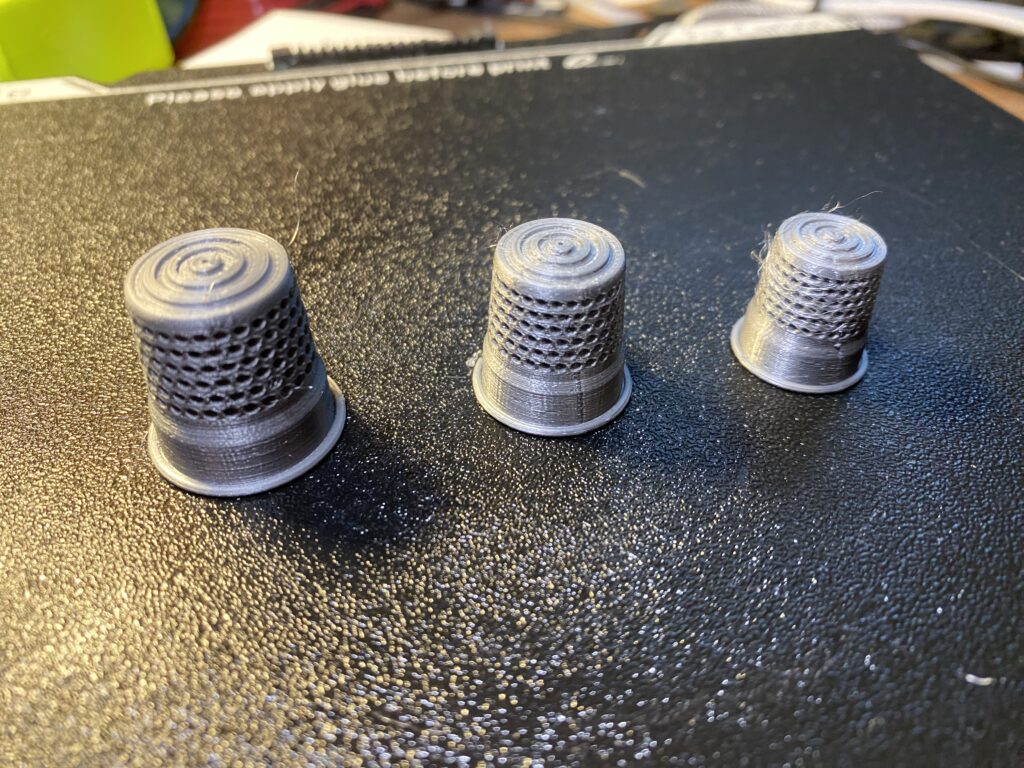
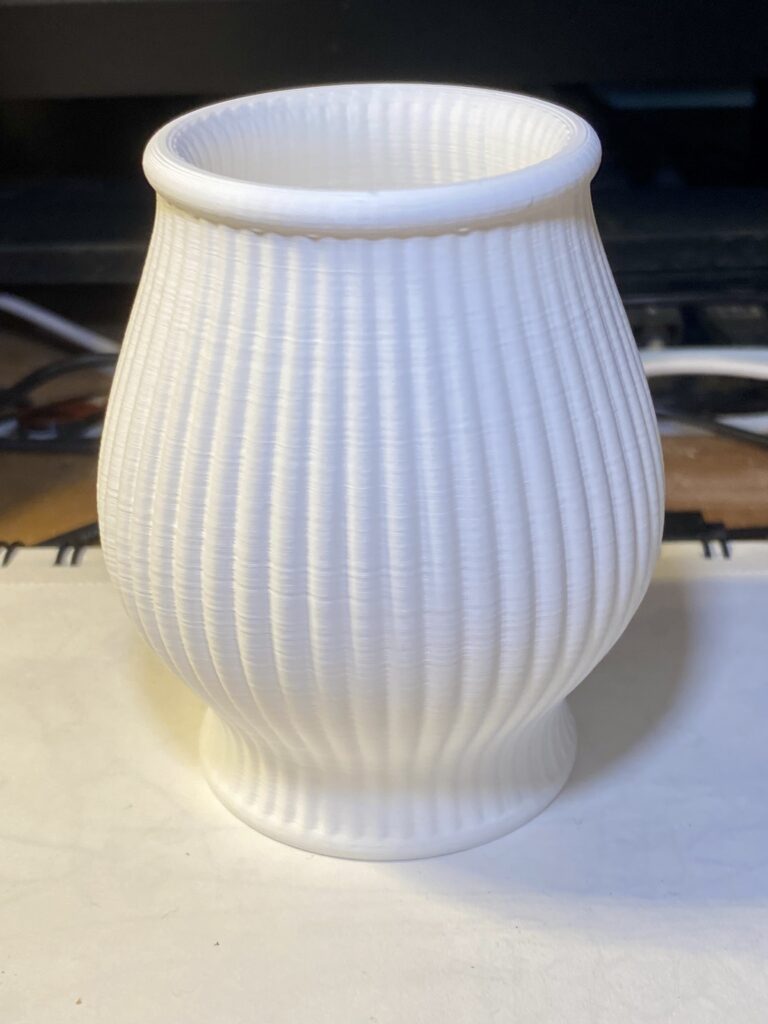
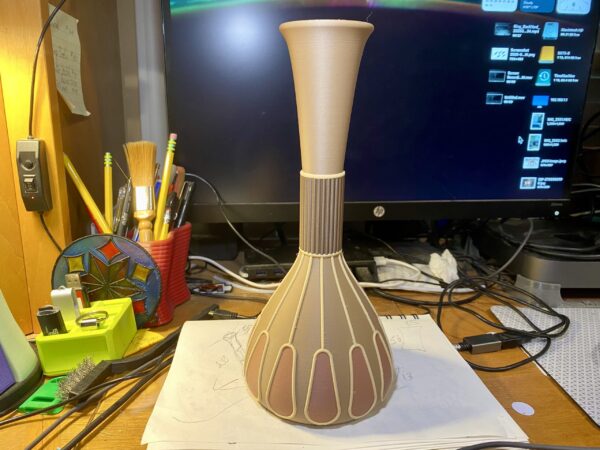
What! No monkeys!Silver BasketTexas BoxThimblesJusta VaseHinges printed separatelySame as brown boxA little oops…
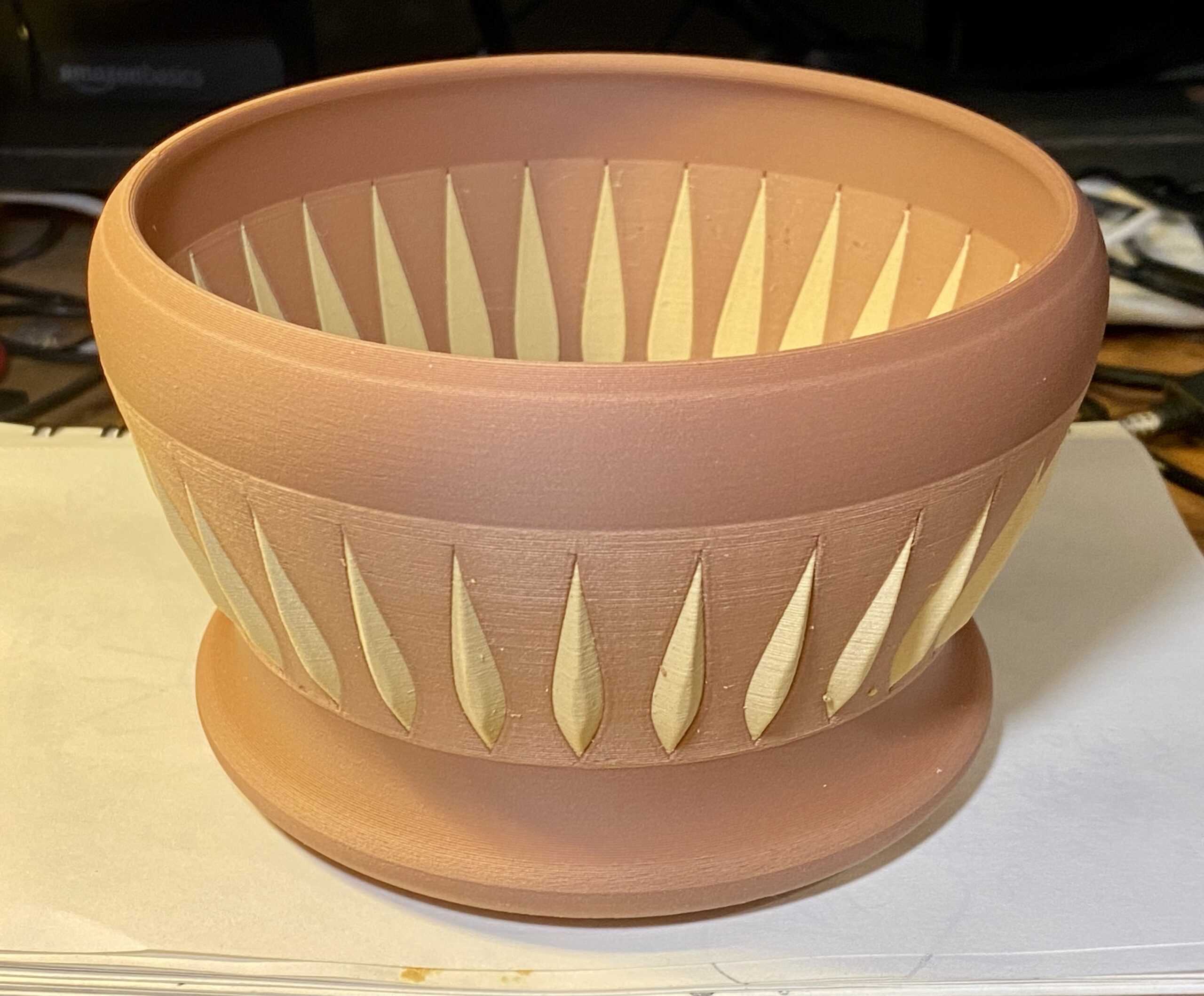
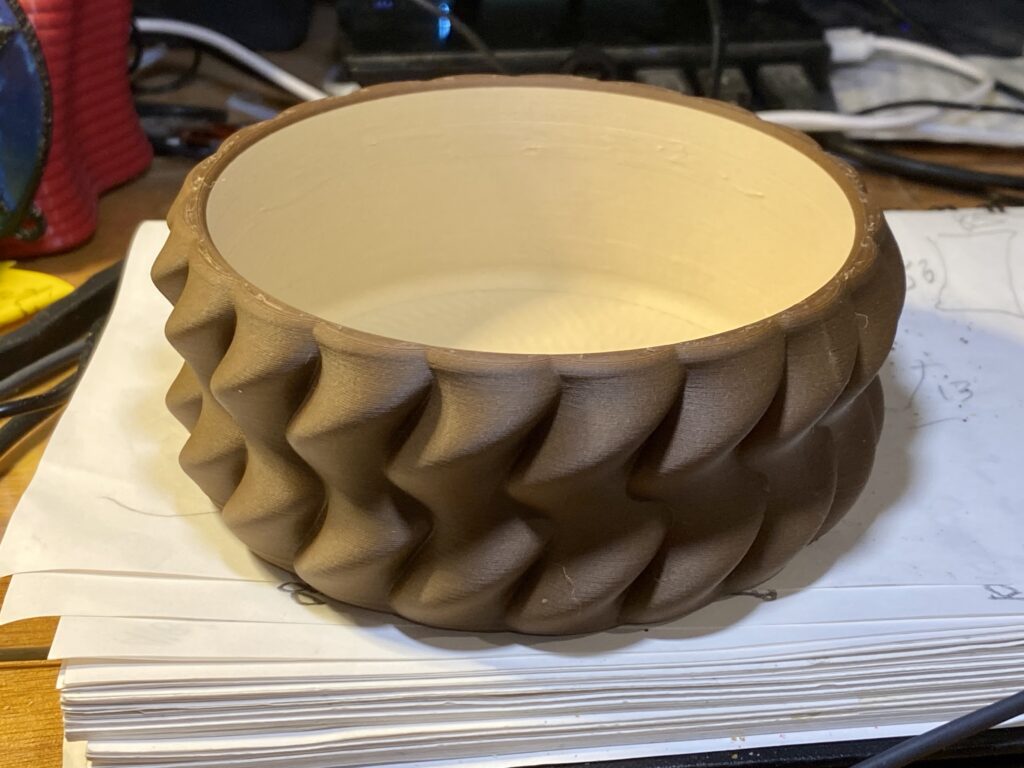
I got on a bowl making kick for a while. Experimenting with complex CAD designing. Bowls are rather easy so do get a bit carried away making them.
I have far more than any one person would have a use. But my spouse does like to give them to her friends. That’s good as I then have room to make more bowl Junque!
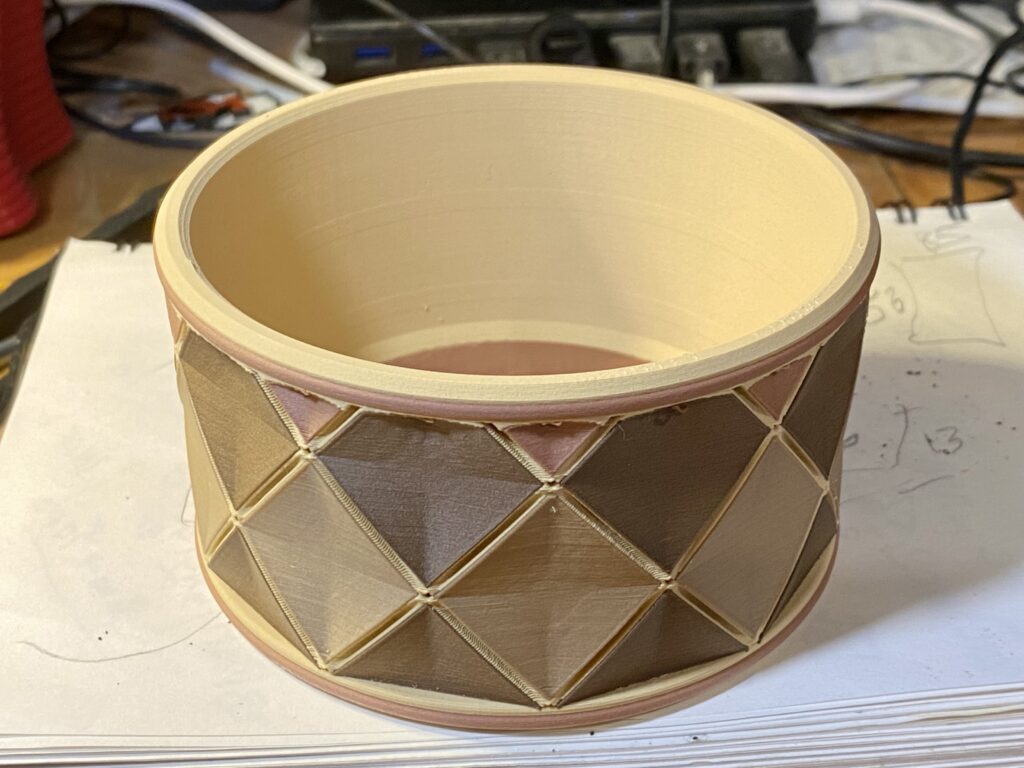
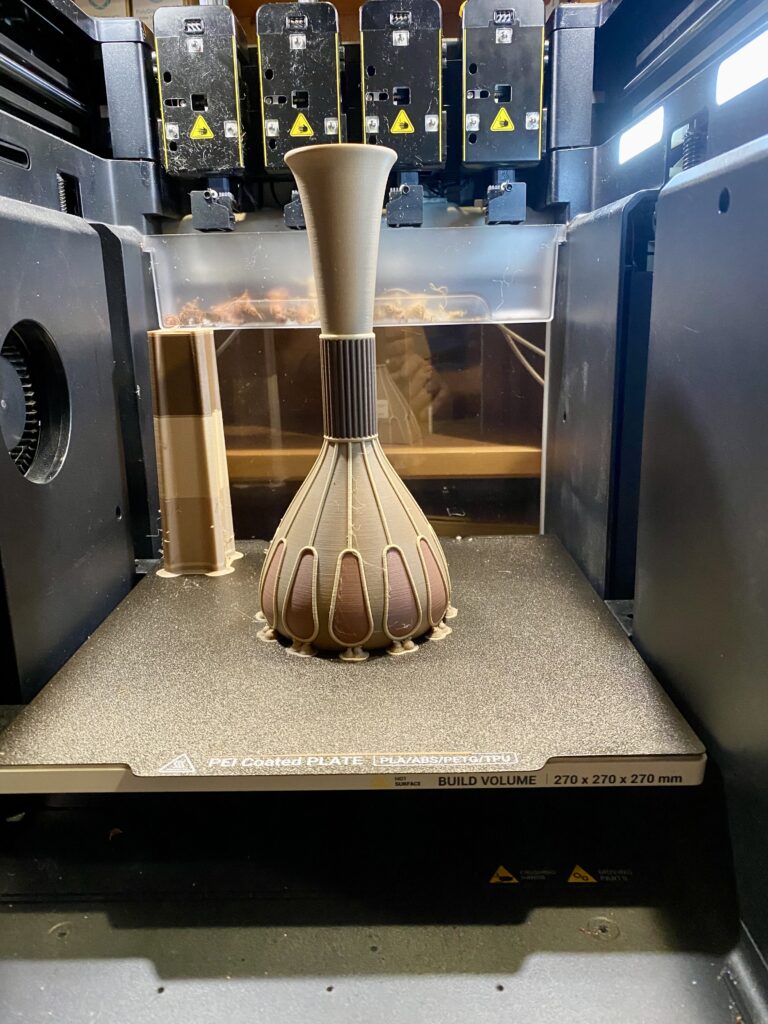
The Snapmaker U1 4-filament printer gives me the opportunity to play with color combinations.
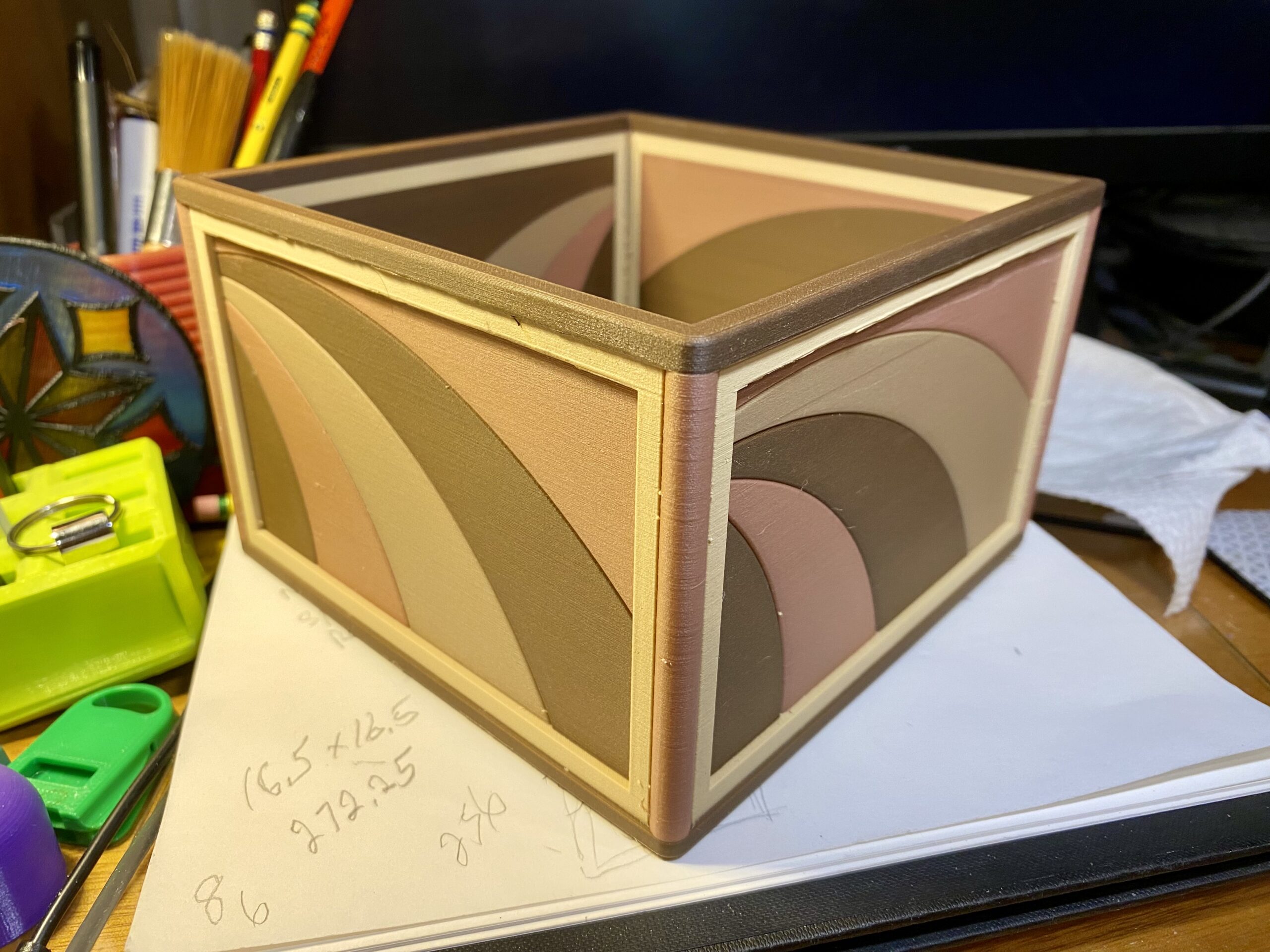
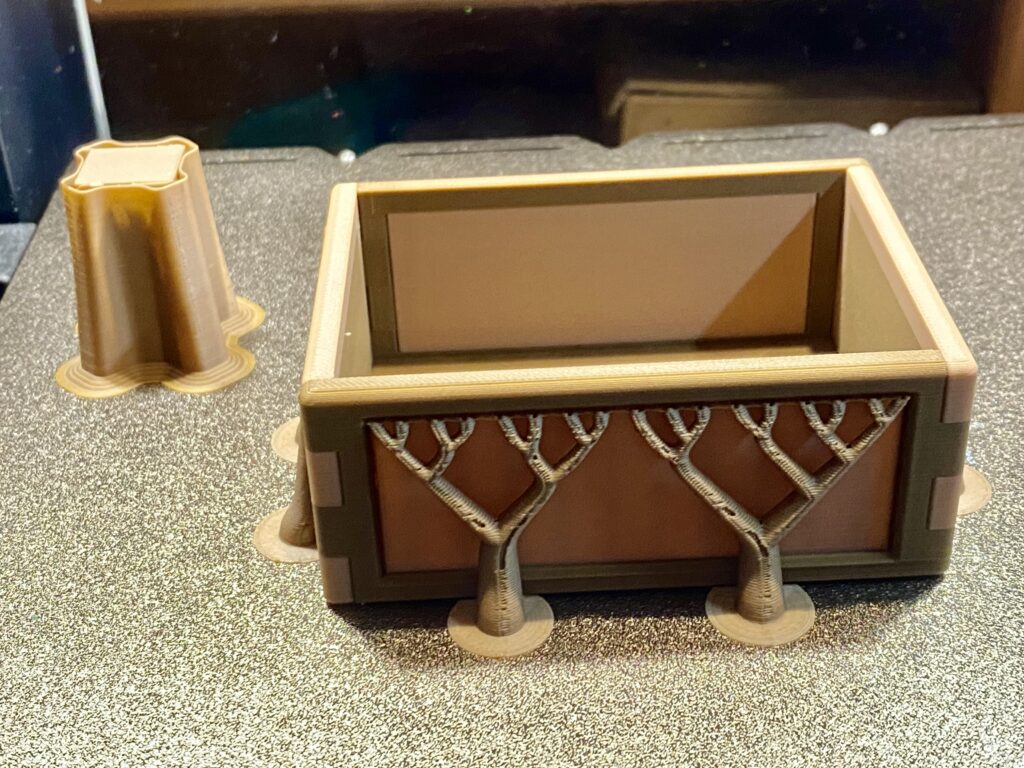
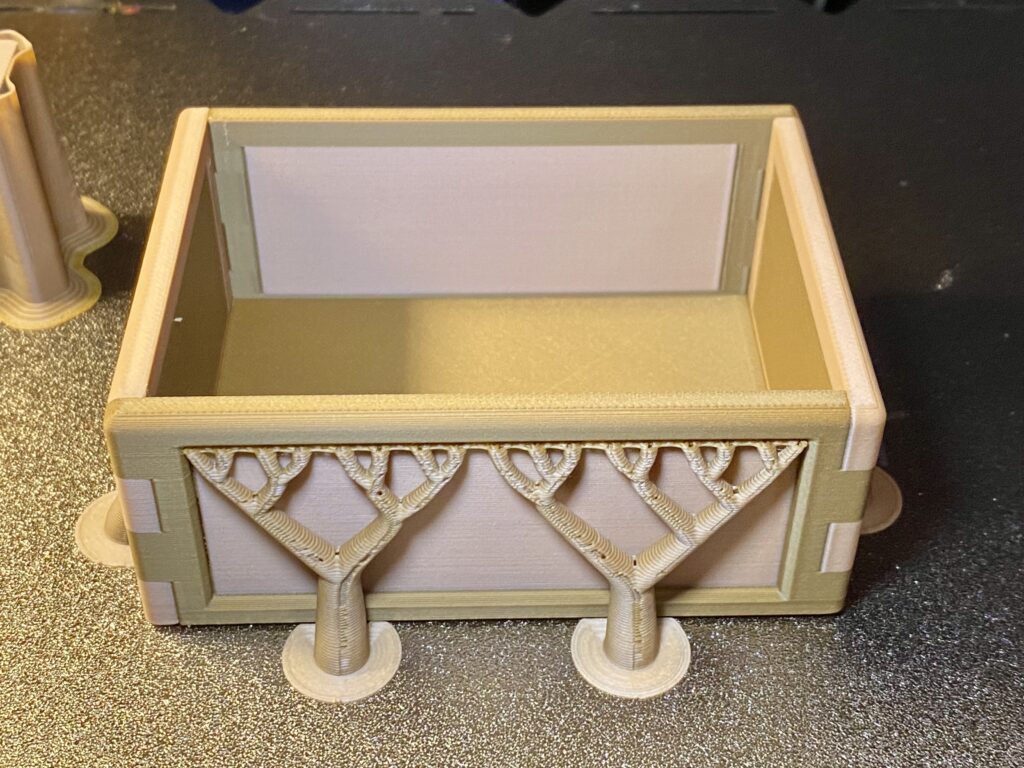
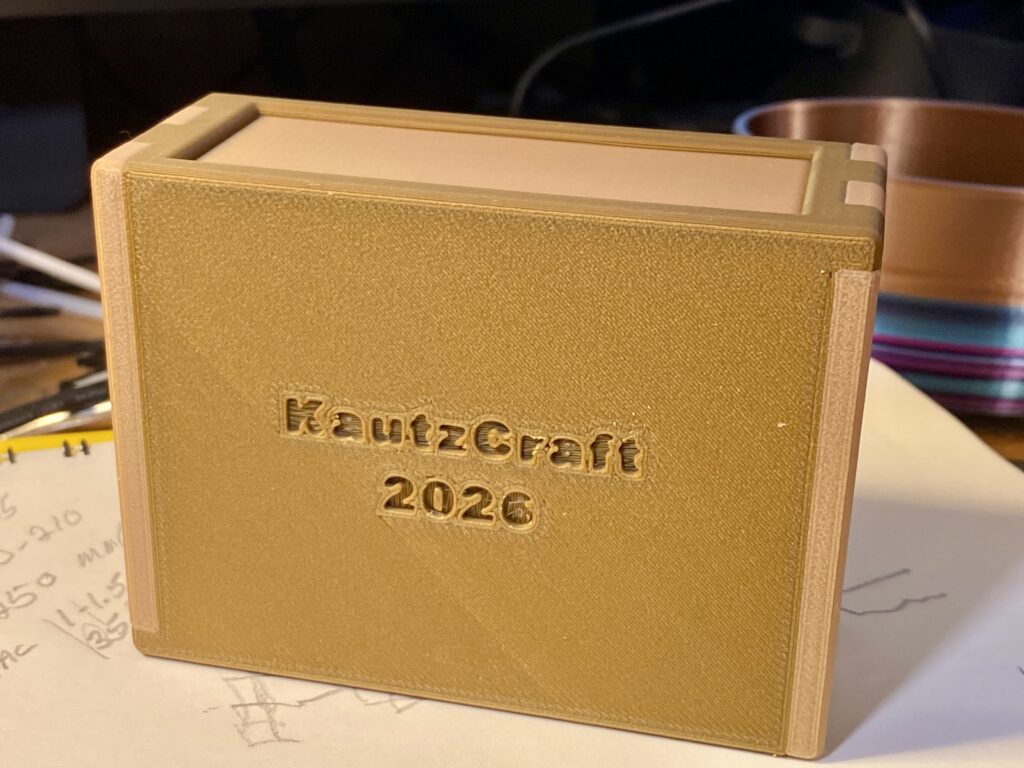
This is another wood Junque project. Simple square box but with a colorful “swish” design on each side.
This project uses Snapmaker wood filled PLA in four colors, Walnut, Rosewood, Maple, Oak. Note I say colors as I have no idea if these describe the actual wood species contained in the PLA material. Snapmaker does say it is real wood dust.
I believe the tree species is more a color descriptor than a true material description.
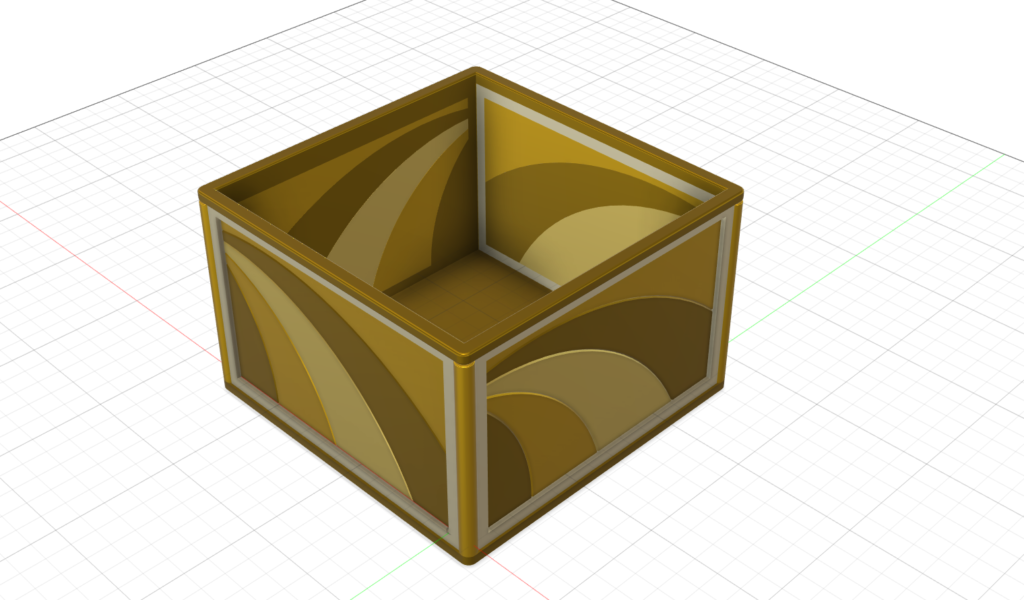
I designed the box using AutoDesk Fusion. Each color piece is an individual .STL file, making it easy to color in the slicer. I also colored the parts in the CAD drawing.
I grabbed an old muse This one is wood-like Junque.
I have used wood filled filament many time before. So this is not exactly new. As far as I know, the only base for wood filled FDM filament is PLA. Certainly it is the most popular. Much to do with the temperature range real wood dust (in the filament) can tolerate.
I am printing at the 190-200C range. I know the suggested low end is 180C but the slicer software complains about using a setting of 180 for PLA. Amolen suggested range is 180 – 210C.
I jumped in by (buy?) ordering four different color wood filled PLA – Snapmaker brand. (Buy 3 get 4 sale) I intend to use the Snapmaker U1 with all four spools installed.
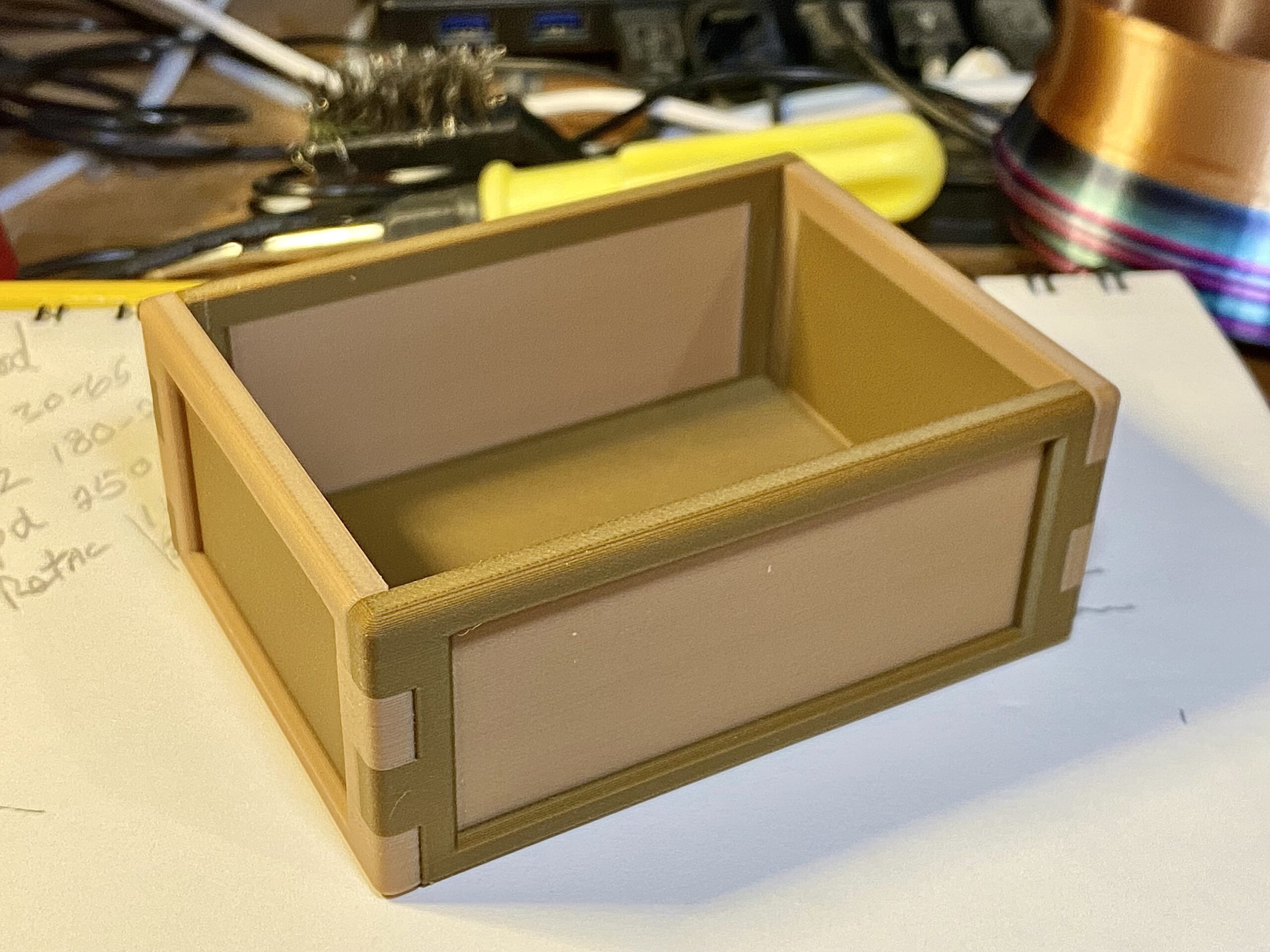
The print shown here was done with Amolen brand wood filled PLA I have had for quite some time. It was about 200 – 250 grams on a couple of spools. Sealed in bags and still dry.
I drew up the box in Fusion CAD and saved it as a group of .STL files one for each color piece. I like multiple piece projects when different colors are involved. Far easier for me than painting (in the slicer) all the parts. I just select each component and assign a color.
Coloring in Fusion and saving the print file as .OBJ is another way of doing it.
This print is wood-like, but lacks any grain detail. More like finished wood. The box style with the mitered corners adds to the wood-box impression. It does (to me) look less like plastic Junque,
I have yet to receive the fresh Snapmaker wood-filled PLA. With four spools to burn, I’ll be designing more of this wooden Junque!
The U1 four head printer will easily let me combined non-wood PLA into my designs. The brain gears are turning…